Table of Contents
ToggleSmart lighting has moved beyond the luxury category and into everyday DIY territory. Monster smart lighting systems offer homeowners an affordable, straightforward way to add intelligent lighting control without hiring an electrician or tearing into walls. Whether you’re retrofitting an older home or building new, these systems let you dim, color-shift, and schedule lights from your phone or voice command. This guide walks you through what monster smart lighting is, why it matters for modern homes, and how to install and use it effectively.
Key Takeaways
- Monster smart lighting offers a non-invasive, plug-and-play retrofit that requires no new wiring or structural changes, making it ideal for DIY homeowners of all skill levels.
- These smart bulbs integrate seamlessly with major platforms like Amazon Alexa, Google Home, and Apple HomeKit, enabling voice control and automated scheduling for convenience and energy savings.
- Monster smart lighting can reduce energy consumption by 80–90% compared to incandescent bulbs while delivering 10–15% additional savings through automation and dimming features.
- Setup is straightforward: simply screw in the bulb, download the app, connect to Wi-Fi, and start controlling brightness, color, and schedules from your phone or voice assistant.
- Smart lighting transforms ambiance through layered design—warm white for relaxation, cool white for task work, and RGB accents for entertainment—while integrating with your home’s security and safety systems.
- Most homeowners see immediate ROI from smart bulbs ($15–$40 each) through convenience alone, with long-term benefits including reduced energy bills and lifespan of 10–15 years per bulb.
What Is Monster Smart Lighting and Why It Matters
Monster smart lighting refers to LED bulbs and light strips manufactured by Monster, a company known for affordable audio and electronics. These smart lights connect to your home’s Wi-Fi and let you control brightness, color, and scheduling through a mobile app or voice assistant.
Unlike traditional lighting, which requires a wall switch to control, smart lighting is app-based and often supports voice commands through Amazon Alexa, Google Assistant, or Apple Siri. This flexibility matters for several reasons. First, it’s a non-invasive upgrade, you screw in a smart bulb the same way you’d install any LED bulb. Second, you get automation: set lights to turn on at sunset, create scenes for movie night or morning routines, and integrate lighting with other smart home devices.
For DIY homeowners, monster smart lighting is practical because it doesn’t require new wiring or in-wall switches. It’s a plug-and-play (or screw-and-play) retrofit that works with existing fixtures. Build in dimming and color control without structural changes, and you’ve eliminated a major DIY barrier.
Key Features and Smart Home Integration
Monster smart bulbs come in several formats: standard A19 and A21 bulbs (the most common household size), BR30 spotlights (for recessed fixtures), and flexible LED light strips for under-cabinet, behind-TV, or accent lighting. Most offer color capability (RGB or full spectrum), adjustable brightness (typically 1–100%), and scheduled automation.
Color support varies by model. Basic smart bulbs offer warm white to cool white adjustments. Mid-range models add RGB, letting you cycle through millions of colors. High-end versions support tunable white (adjusting color temperature independently of brightness) and even lifespan control, some can shift from 2700K (warm, amber) to 5000K (cool, daylight) to match your circadian rhythm.
Integration is where monster smart lighting shines. These bulbs work with most major platforms: Amazon Alexa, Google Home, and Apple HomeKit (on select models). Once added to your home network, you can group lights by room, create scenes (“movie mode” darkens everything except accent lights), and trigger automation based on time, location, or other device states.
App Control and Voice Activation
The Monster Smart app provides the main hub for control. You can toggle lights on/off, adjust brightness with a slider, pick colors from a wheel, and set schedules without touching a switch. Voice commands work through your smart speaker, “Alexa, set the living room to 50% brightness” or “Hey Google, turn on the bedroom lights”, without any manual interaction.
Voice control particularly appeals to hands-full scenarios: cooking, showering, or when you’ve just sat down. For scheduling, the app lets you set sunrise/sunset automation, create routines (like dimming all lights at 10 p.m.), and geofence (lights on when you arrive home). This is where energy savings start, you’re no longer leaving lights on accidentally.
Installation and Setup for Beginners
Installation is genuinely simple. Remove the old bulb, screw in the smart bulb, and power the fixture. Unlike some competitors requiring a hub, many Monster smart bulbs connect directly to Wi-Fi, though a few models benefit from a central hub for reliability in larger homes.
Setup steps:
- Download the Monster Smart app and create an account.
- Turn on the light fixture containing the new smart bulb.
- Open the app and tap “Add Device.” Your phone will detect the bulb’s Wi-Fi signal.
- Follow the app prompts to connect the bulb to your home Wi-Fi network.
- Name the bulb (e.g., “Bedroom ceiling”) and assign it to a room.
- Repeat for each bulb and set up rooms and groups once all devices are added.
For smart light strips, the process is identical, they ship with adhesive backing, so you peel and stick them under cabinets, behind entertainment centers, or along baseboards, then add them via the app.
Common setup hiccups: Make sure your bulb isn’t connected to a dimmer switch (traditional dimmers often incompatible with smart bulbs). If the app can’t find your bulb, move closer to your router or power-cycle the bulb. Ensure your Wi-Fi is 2.4GHz (some smart devices don’t support 5GHz). Recent tests of Monster smart bulbs show they’re reliable once paired, but the initial connection sometimes needs a restart.
Design Ideas and Ambiance Applications
Smart lighting transforms mood and usability. Start with the basics: warm white (2700K–3000K) in bedrooms and living areas creates cozy, restful spaces. Cool white (4000K–5000K) energizes kitchens and home offices.
Practical design scenarios:
- Movie night: Create a scene that dims main lights to 5%, sets accent strips to deep amber, and keeps a pathway light at low warm white for safety.
- Morning routine: A scene that gradually brightens from 20% to 100% over 30 minutes, mimicking sunrise, can ease your wake-up cycle.
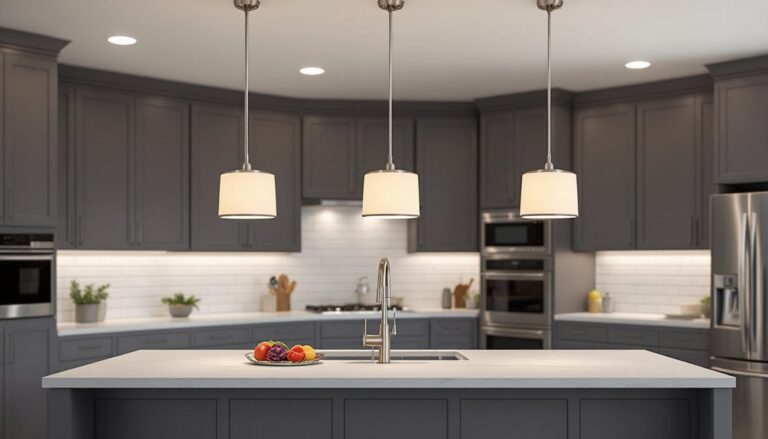
- Kitchen: Set bright cool white for cooking and task work: dim to warm white for dining.
- Reading nook: A warm, dimmable bulb at 60–70% brightness reduces eye strain and pairs with evening routines.
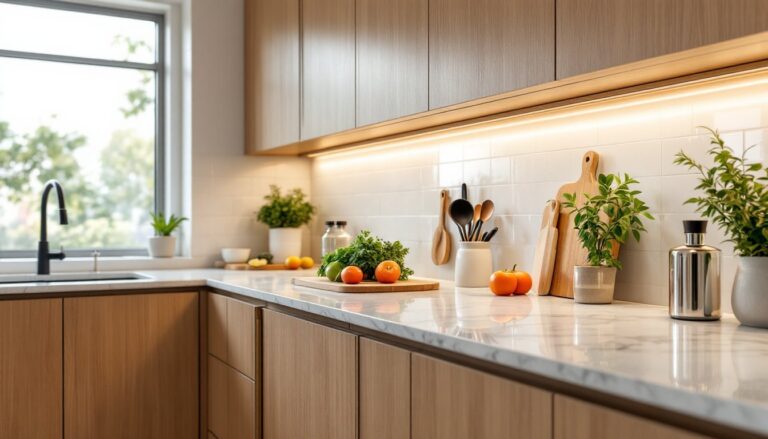
RGB color is fun but easy to overuse. Reserve bold colors (blues, purples) for entertainment spaces or accent lighting: balance them with neutral ambient light. Light strips work brilliantly behind televisions (soft white or subtle color accentuating your wall tone) and under kitchen islands, where they add shadow-free task lighting and visual interest.
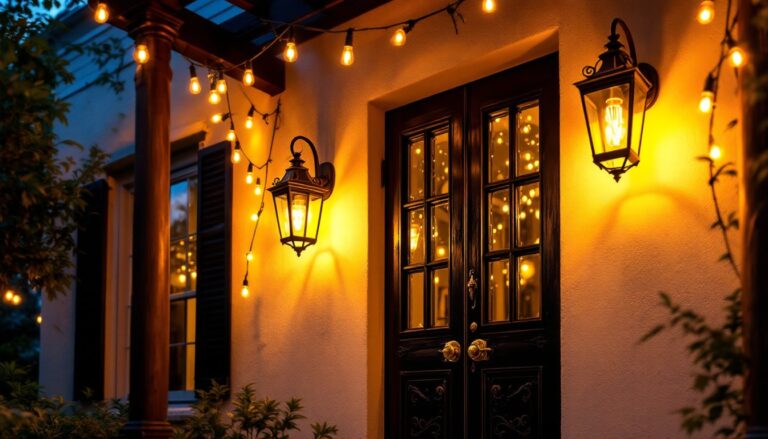
Layered lighting, combining ceiling lights with accent strips and table lamps, gives rooms flexibility. With monster smart lighting, you can automate each layer independently. Your security lighting for home strategy might include exterior smart bulbs on your porch and pathway, which turn on at dusk or when motion is detected, further integrating smart lighting into your home’s safety and ambiance.
Energy Savings and Practical Benefits
LED technology is inherently efficient, monster smart bulbs consume 80–90% less energy than incandescent bulbs and last 15,000–25,000 hours (roughly 10–15 years of typical use). Add automation and you’ll cut usage further.
Scheduling prevents wasteful “always-on” lighting. Set bedroom lights to power off at midnight automatically. Program living room lights to turn on 15 minutes before sunset and off two hours after your bedtime. Geofencing can turn off all lights when the last household member leaves home, no more wondering if you left the bathroom fan running.
Dimming also saves energy. Running a bulb at 50% brightness uses roughly half the electricity. Using a scene that dims your main lights to 30% for evening relaxation, rather than keeping them at full brightness, adds up across weeks and months.
Most homeowners report 10–15% reductions in lighting-related energy use after installing smart bulbs, though results vary based on your starting point (if you were already conscientious about switching lights off) and usage patterns. Monster smart lighting strips are particularly efficient for accent work, consuming minimal power while adding significant ambiance. Reviewed resources highlight that Monster’s RGB strips draw roughly 5–8 watts per meter, compared to 20+ watts for traditional rope lighting.
Beyond energy, smart lighting improves convenience. Never fumble for a light switch in the dark again, voice commands or phone control work instantly. Adjust brightness without getting out of bed. Integrate with your security system so outdoor smart lights activate when motion is detected. Over years of ownership, the convenience and automations justify the upfront cost of smart bulbs, which typically range from $15 to $40 per bulb depending on features.
Conclusion
Monster smart lighting removes barriers to home automation. Installation takes minutes, costs less than hiring a technician, and doesn’t require structural changes. Whether you’re after energy savings, ambiance control, or pure convenience, these systems deliver. Start with a single smart bulb in a high-use fixture, learn the app, and expand as your comfort grows. For a practical DIY upgrade with immediate, visible returns, smart lighting is hard to beat. Recent reviews of Monster smart LED bulbs confirm they’re a solid entry point into smart home automation without the learning curve or expense of premium systems.